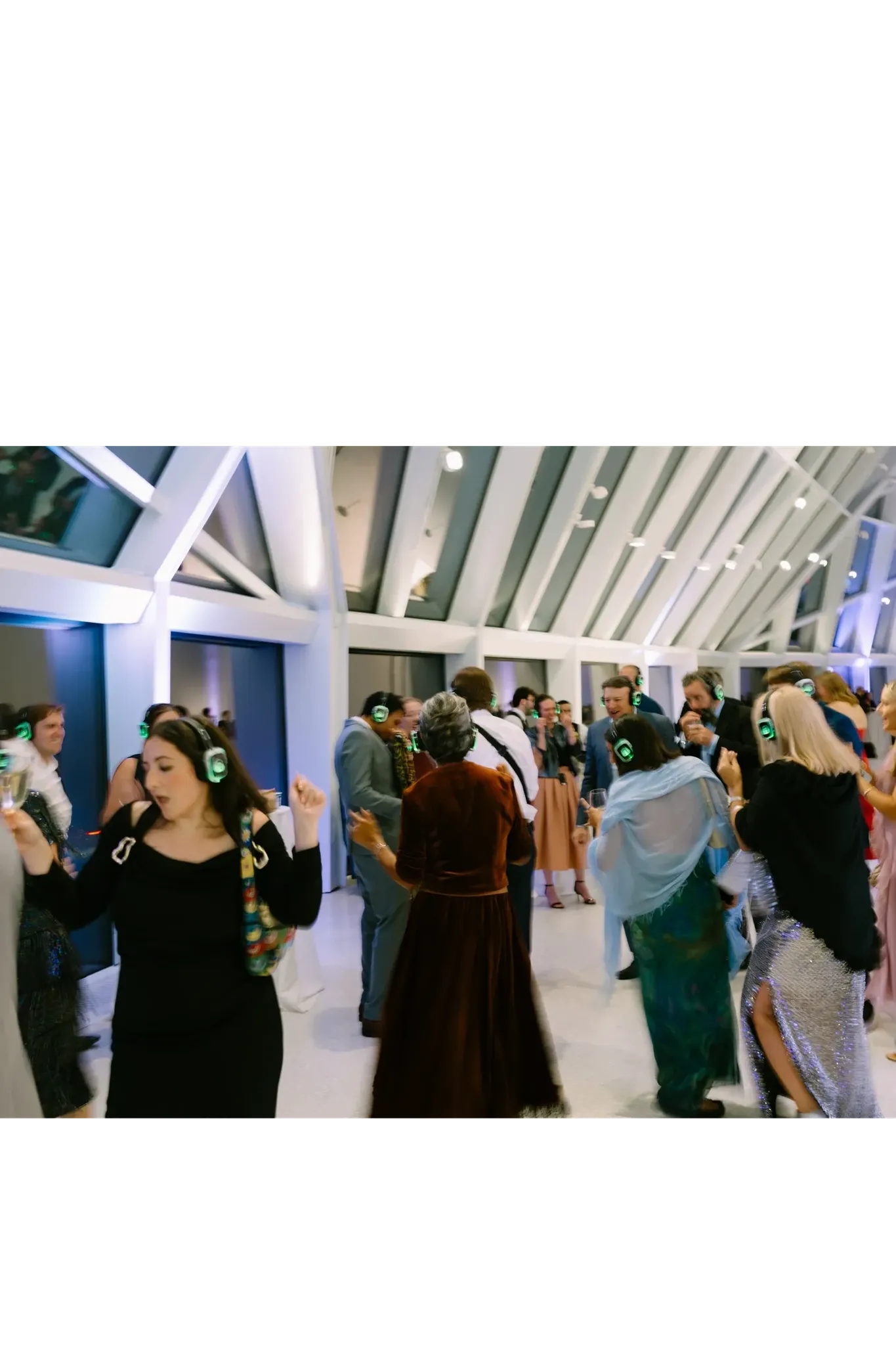
Decide what headphones need to solve
Conference headphones can separate audio feeds for attendees, but they do not make several speaking groups acoustically isolated. People speaking in the room are still audible. Start with the agenda: simultaneous presentations, a guided listening session, and interactive discussion have different needs.
For discussion-heavy workshops, separate rooms may still be the better choice. For presentations in a shared space, map each session to a channel and think through how attendees will find the correct one. Confirm accessibility requirements with participants and the venue instead of assuming a headset alone meets them.
Design the signal path with the AV team
For every session, identify the speaker microphone, any mixer, presentation audio, transmitter, and listener channel. A laptop video and a live microphone may need to reach the same feed. Ask the AV operator to test the complete chain, not just confirm that individual devices turn on.
The SE2 transmitter guide explains the basic independent-channel setup. Confirm the actual inputs and source requirements for your event before promising a configuration. Plan who controls levels and who can resolve a missing feed while another session continues.
Make navigation and handoffs explicit
Put the session name and channel instruction on the agenda, at the session area, and at headphone pickup. Check instructions against the equipment during rehearsal. Allow time to collect or redistribute units between sessions and assign a staffed help point.
Announcements need their own plan because attendees may be listening to different feeds. Keep emergency instructions coordinated with the venue and do not rely solely on the headphone system.
Rehearse with presenters, several listeners, and the real slides or media. Walk the listening area, test transitions, and check that nearby speech does not undermine the session. Share the agenda and AV requirements through our conference breakout-audio page before selecting equipment.