
First decide whether the room is suitable
A breakroom is not automatically an event space. Before moving furniture or bringing in audio equipment, ask the facilities team about occupancy, exits, power, cleaning, and allowed hours. Keep routes to doors and shared amenities clear. If the space cannot support the gathering, choose another room or venue.
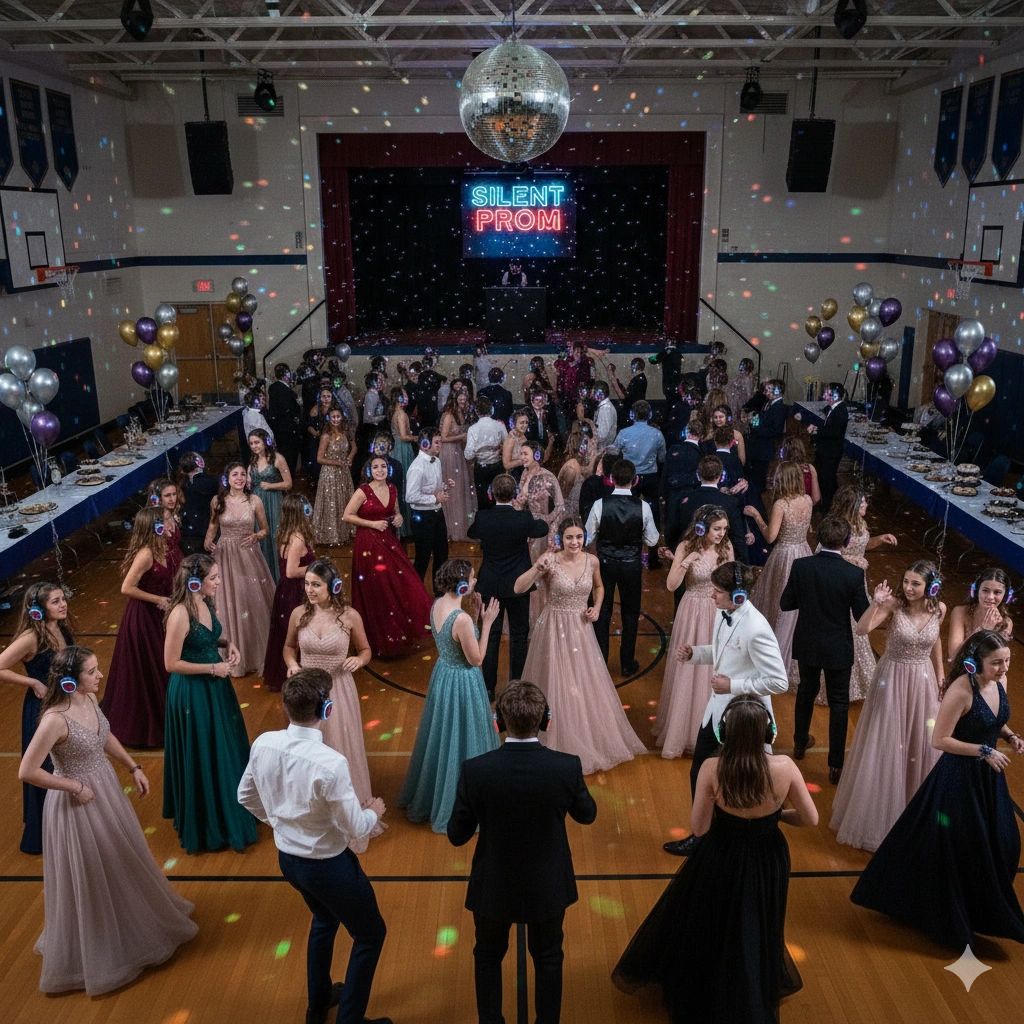
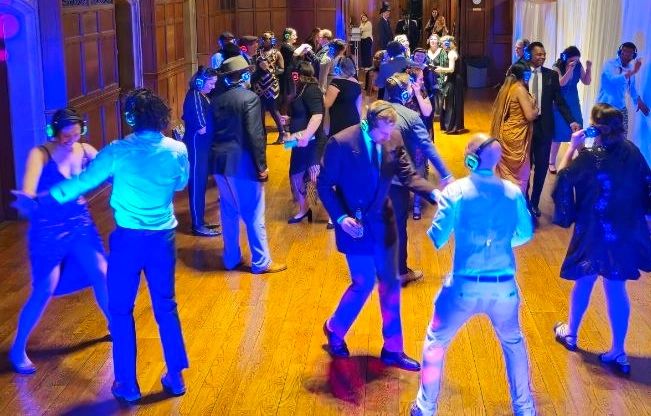
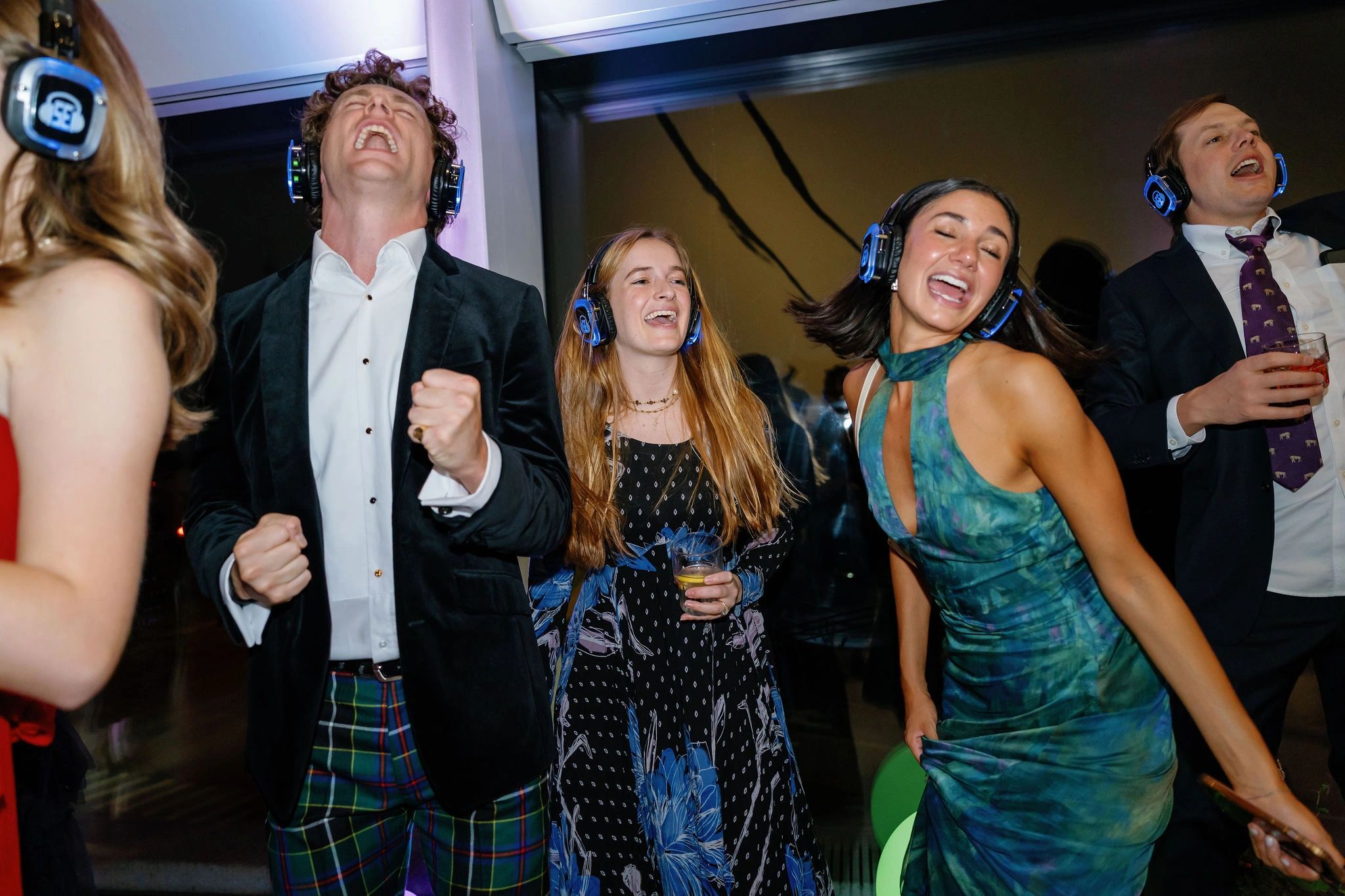
Headphones reduce the need to play music through shared speakers, but guests still talk, move, and sing. Check the impact on people working nearby. Do not describe the event as silent or assume it can run beside a meeting without disruption.
Make participation genuinely optional
Offer a place to sit or socialize without headphones, and communicate that dancing is not a work expectation. Ask about access needs in advance. A headset may not be comfortable or usable for everyone, and a team event should not depend on every employee enjoying the same activity.
Set a music policy before collecting requests. Agree on explicit lyrics, shared workplace standards, and who can change the playlists. Distinct channels can offer variety, but each needs a suitable source and someone responsible for it.
Give the equipment a named owner
Assign separate responsibilities for setup, headphone distribution, audio help, and final collection where the team size allows. Keep food and drinks away from transmitters and source devices. Test the system before the room becomes busy, including the audio heard on each channel.
Use a short schedule: arrival and explanation, listening or dancing, then a clear finish and collection period. Confirm how shared equipment and furniture will be restored so the room is ready for its normal use.
For a self-managed activity, review rentals. For a more supported event, discuss your room, timetable, and staffing needs through corporate team-building.